
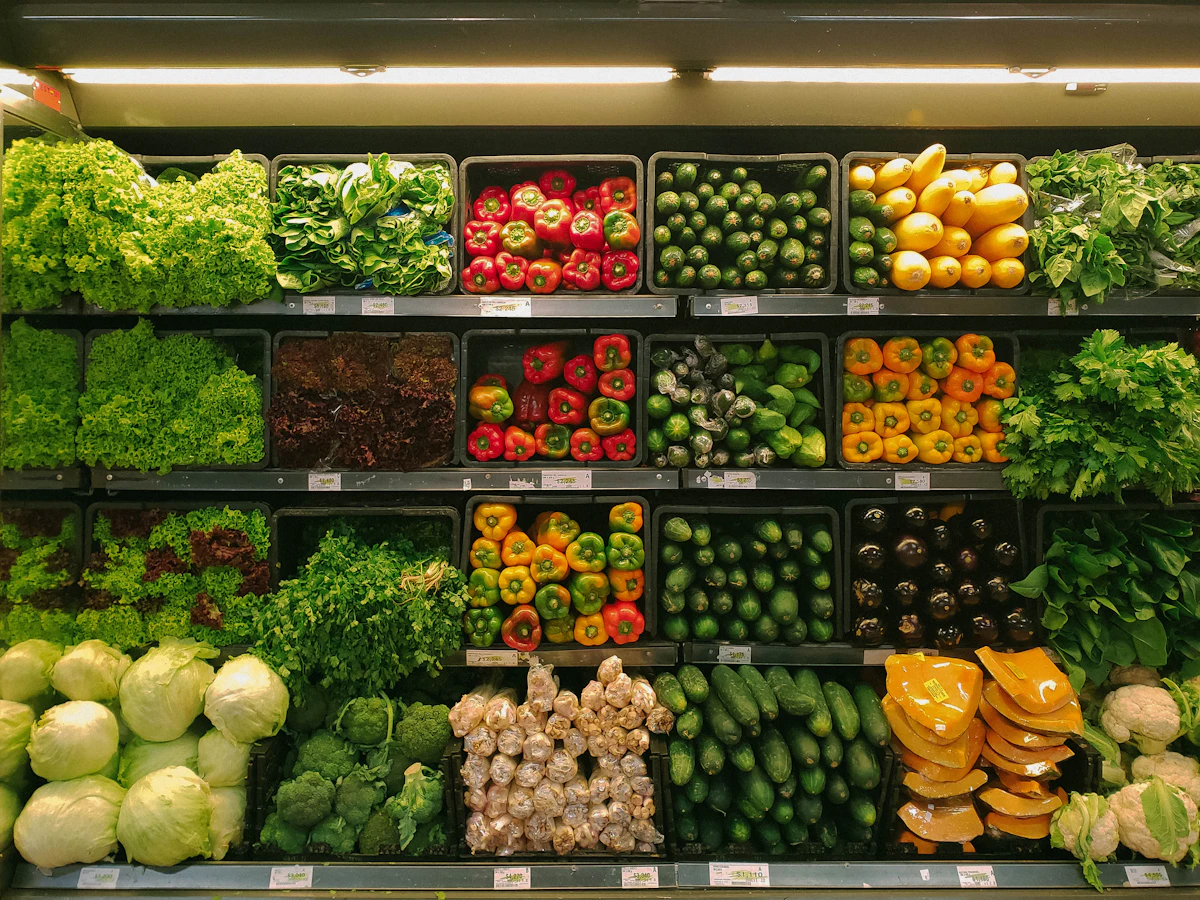
Printing flyers is expensive. Updating printed flyers is even more expensive. The chicken deal changes on Thursday, the rice price goes up on Friday, and that pile of paper is already wrong before it even reaches the customer's hands. The digital flyer solved that problem. With a QR Code at the store entrance, you update the price, photo and promotion deadline in seconds — without spending a cent on printing.
But the benefit goes beyond deals. A QR Code in a supermarket can close delivery orders via WhatsApp, accept Pix payments without checkout lines, register customers in a loyalty program and collect service ratings — all with a single sticker placed on the shelf or counter. Small neighborhood grocery store or multi-location chain: the logic is the same. You place a code, the customer scans it, and the journey happens on their phone.
What to put behind your store's QR Code
🛒 Digital flyer and deals
The main advantage of a dynamic QR is that the destination link changes without replacing the printed code. Today it points to the weekly deal. Tomorrow, to the end-of-month special. You create a simple page (even a Google Drive with an updated image works) and redirect whenever you want.
If you have a website or Instagram, the QR can point directly to the deals post. The customer scans it at the entrance and already knows what's on promotion before grabbing a cart. This increases time spent in the store — and the average ticket along with it.
Want to understand in depth how this redirect works? See the complete guide to dynamic QR.
📦 Delivery list via WhatsApp
Many neighborhood grocery stores already do informal delivery via WhatsApp. The problem is sharing the number. A QR Code solves this: a code on the bag, counter or storefront opens the conversation directly in the app, with a pre-written message like "I want to place an order".
Learn how to set up this flow in QR Code for WhatsApp.
💸 Pix without the hassle
Checkout lines are often lines of people waiting to copy a Pix key. With a payment QR Code in front of the register, the customer scans it, enters the amount and pays. Line gone.
To understand how the Pix QR works technically and how to generate yours, read Pix QR Code: how it works.
🎁 Digital loyalty program
Paper loyalty cards get lost in wallets, tear, and customers misplace them. Digital cards don't. With a QR Code at the register, the customer scans it, enters their name and phone number in a form, and joins the program. You manage everything in a spreadsheet or a simple app.
See how to structure this in QR Code for digital loyalty card.
⭐ Satisfaction survey
Want to know if the service at the butcher counter was good? If the end-of-month checkout line was too long? Put a QR Code on the receipt or bag pointing to a rating form. Simple, quick, and the customer answers on the way home.
See how to set up the form in QR Code for Google Forms and surveys.
link-in-bio combo: one QR, many destinations
If you don't want to create several different QR Codes, use the link-in-bio strategy. A single QR points to a page with all your links: deals, WhatsApp, Pix, loyalty and social media. The customer chooses what they want to access.
This page works as a mini digital hub for your store. See the complete link-in-bio guide to build yours from scratch — without paying for an external platform.
Why dynamic QR matters (a lot) in a store
Supermarkets have deals that change every week. Sometimes every day. If you use a static QR, the printed code becomes useless the first time the deal changes. You'd have to reprint everything.
With a dynamic QR, the code stays. You just update the destination link in the dashboard. The sticker on the shelf stays the same. The QR keeps working. You save on printing, time and headaches.
On top of that, dynamic QR gives you data: how many people scanned, at what time, from which city. This helps you understand which deal generated the most interest — and plan your next campaign better.
Create yours now at /en/dynamic-qr-code.
Where to place the QR Code in the store
Having a QR Code means nothing if nobody scans it. Placement matters.
Store entrance: ideal for the digital flyer and weekly deals. The customer sees it before coming in.
Shelf and aisle: place it near the product on promotion. The customer scans right there and sees more details, recipes or variations.
Register and counter: for Pix, loyalty and satisfaction survey. The payment moment is the best time to capture these interactions.
Bag and packaging: the customer takes it home and can scan later. Good for loyalty and WhatsApp. See how to apply it in QR Code on product packaging.
Printed discount coupon: QR on the coupon pointing to an exclusive deal. Builds loyalty without needing your own app.
Common mistakes
❌ Putting a static QR on a deal that changes
If the link can't be updated, the QR becomes trash after a week. Always use a dynamic QR for promotions.
❌ QR too small
On a shelf, the minimum is 3 cm x 3 cm. At a store entrance or banner, 10 cm or more. A small QR won't scan from a distance.
❌ Very colorful background behind the QR
A QR Code needs contrast. White or very light background, dark code. Avoid printing over a colorful photo without a margin.
❌ No call to action
Customers don't scan QR Codes by instinct. Add a short prompt next to it: "Scan to see deals", "Pay with Pix here", "Get a discount". As simple as that.
❌ Broken or outdated link
If the QR points to a page that's down or outdated, the customer closes it and doesn't come back. Test the QR every week.
Summary
- Use a dynamic QR for deals — so you update the destination without reprinting the code.
- At the store entrance, place the QR pointing to the weekly digital flyer.
- At the register, use a QR for Pix (no lines) and for loyalty program sign-up.
- On the bag and packaging, place a QR for WhatsApp and satisfaction survey.
- Consider a link-in-bio: a single QR with all your links organized.
- Always place a call to action near the QR Code.
- Test the QR weekly — a broken link is worse than having no QR at all.
Create your store's QR Code — dynamic, free, no app needed. Or generate a simple code right now at /en/qr-code-generator.


